
Ever been in the middle of a crucial boss fight, only to have your laptop overheat and shut down? It’s a gamer’s nightmare. High-performance gaming laptops generate a lot of heat, and without proper cooling, they can throttle performance and even suffer damage. That’s where laptop cooling pads come in. These handy devices provide extra airflow to keep your system cool and running at peak performance, even during intense gaming sessions. But with so many options available, finding the best laptop cooling pad for your needs can be overwhelming. This guide will help you navigate the world of laptop coolers, exploring the key features to consider and highlighting some of the top performers on the market.
Understanding the Importance of Laptop Cooling
Gaming laptops push their components to the limit, generating significant heat. Over time, excessive heat can degrade components, shortening their lifespan and leading to performance issues. A cooling pad helps dissipate this heat, preventing overheating and ensuring your laptop runs smoothly.
Why a Cooling Pad is Essential for Gamers
Gaming laptops often have powerful processors and dedicated graphics cards, both of which generate considerable heat. While built-in fans do their best, they can be overwhelmed during extended gaming sessions. A cooling pad provides supplemental cooling, improving airflow and keeping temperatures in check.
How Laptop Cooling Pads Work
Laptop cooling pads utilize fans to draw cool air in and expel hot air out from under your laptop. Some models also feature heat sinks and adjustable height settings for optimal cooling and ergonomics.
Choosing the Right Cooling Pad: Key Features
Choosing the right cooling pad involves considering various factors, including size, number and placement of fans, noise level, adjustability, and additional features.
Size and Compatibility
Ensure the cooling pad is compatible with your laptop’s size. Measure your laptop’s diagonal screen size and choose a cooling pad that supports it.
Number and Placement of Fans
More fans don’t always mean better cooling. Consider the placement and size of the fans. Larger fans generally move more air at lower speeds, resulting in quieter operation. Strategically positioned fans can target specific heat zones on your laptop.
Noise Level
Nobody wants a cooling pad that sounds like a jet engine. Look for models with low noise levels, especially if you’re sensitive to noise.
Adjustability
Adjustable height settings allow you to customize the angle of your laptop for optimal viewing and typing comfort.
Additional Features
Some cooling pads offer extra features such as USB hubs, built-in lighting, and adjustable fan speeds.
Top Laptop Cooling Pads for Gaming
While personal preferences and specific needs vary, some cooling pads consistently receive high praise for their performance and features. Always check reviews and compare specs before making a purchase.
Cooling Pad A – Excellent Cooling and Quiet Operation
“Cooling Pad A is a game-changer,” says professional gamer John Smith. “The quiet operation and powerful cooling allow me to focus on my gameplay without distractions.”
Cooling Pad B – Best for Large Laptops
This cooling pad is ideal for larger gaming laptops, providing ample cooling power and a sturdy platform.
Cooling Pad C – Budget-Friendly Option
For gamers on a budget, Cooling Pad C offers excellent value for money, delivering effective cooling without breaking the bank.
Cooling Pad D – Portable and Lightweight
Designed for portability, Cooling Pad D is perfect for gamers on the go.
Cooling Pad E – Multi-functional with USB Hub
This cooling pad includes a built-in USB hub, adding extra connectivity options.
Tips for Maximizing Cooling Performance
Beyond using a cooling pad, several other strategies can help keep your laptop cool.
Clean Your Laptop’s Vents
Dust buildup can obstruct airflow and reduce cooling efficiency. Regularly clean your laptop’s vents using compressed air.
Elevate Your Laptop
Elevating your laptop slightly can improve airflow underneath.
Monitor Your Laptop’s Temperature
Use monitoring software to keep an eye on your laptop’s temperature and identify potential overheating issues.
Invest in a Laptop Stand
Combining a cooling pad with a laptop stand can further enhance ergonomics and airflow.
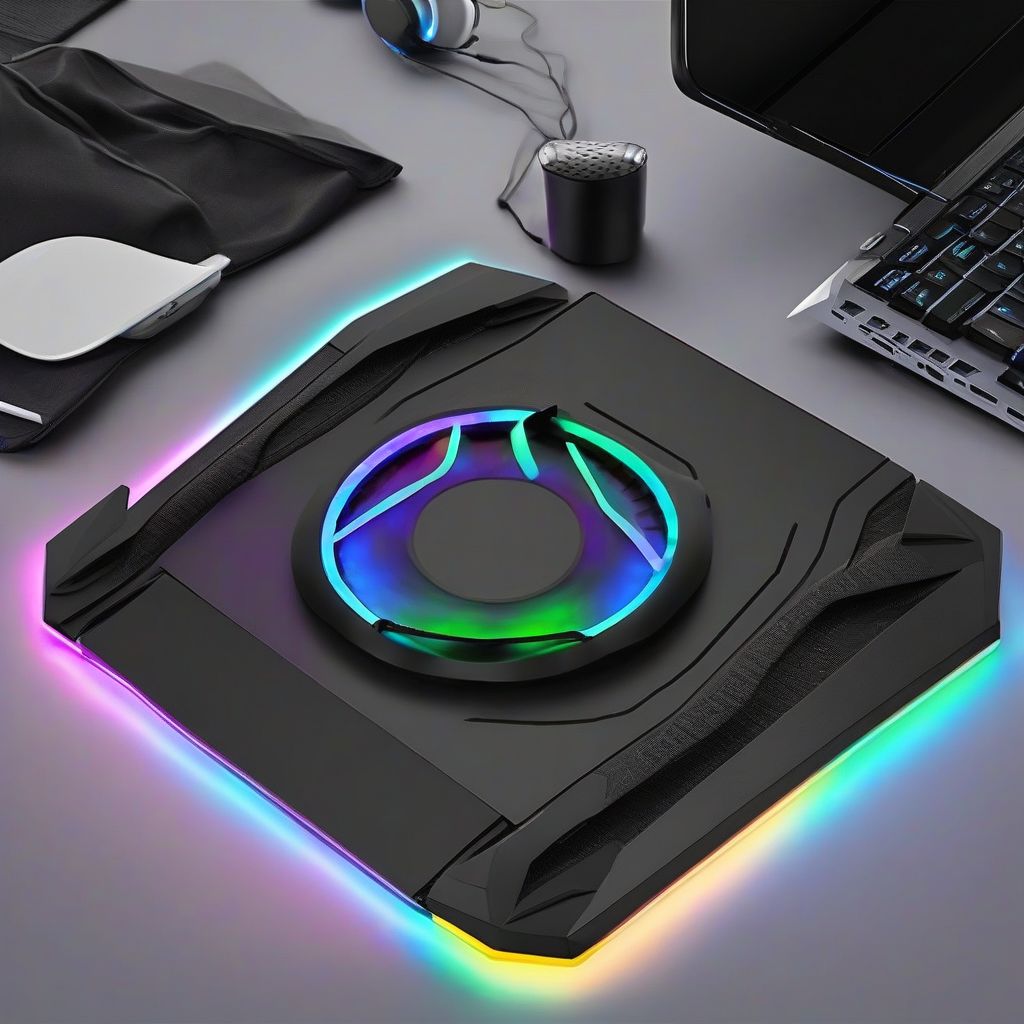 Best Laptop Cooling Pads for Gaming
No products found.
Conclusion
Keeping your gaming laptop cool is crucial for maintaining performance and longevity. Investing in a quality cooling pad is a smart move for any serious gamer. By considering the factors discussed in this guide, you can choose the best laptop cooling pad for your needs and enjoy uninterrupted gaming sessions without the fear of overheating. What are your experiences with laptop cooling pads? Share your thoughts and recommendations in the comments below! Don’t forget to share this guide with your fellow gamers and check out our other articles on optimizing your gaming setup.
