
Imagine sinking into your favorite armchair, ready to be transported to another world by a captivating movie. But then, the rustling of chip bags or the chatter of family members disrupts your immersion. The solution? A great pair of wireless headphones specifically designed for TV viewing. Finding the best wireless headphones for TV can be a challenge, but with a little guidance, you can achieve crystal-clear sound without the hassle of cords. This guide will walk you through everything you need to know to make the best choice for your needs, so you can finally enjoy uninterrupted audio bliss.
Why Choose Wireless Headphones for TV?
Wireless headphones for TV offer a range of benefits, from increased personal immersion to late-night movie marathons without disturbing others. They provide a level of freedom and convenience that wired headphones simply can’t match.
Benefits of Wireless TV Headphones
- Uninterrupted Immersion: Block out distracting noises and focus on the dialogue, music, and sound effects of your favorite shows and movies.
- Freedom of Movement: Move around without being tethered to the TV. Grab a snack, stretch, or even fold laundry without missing a beat.
- Late-Night Listening: Enjoy your entertainment without disturbing sleeping family members or roommates.
- Improved Audio Quality (Potentially): Many wireless headphones offer advanced audio features, like noise cancellation and surround sound, that can enhance your listening experience.
- Accessibility: Wireless headphones can be a game-changer for individuals with hearing impairments, allowing them to personalize the volume to their specific needs.
Types of Wireless Headphones for TV
There are several types of wireless headphone technology, each with its own advantages and disadvantages. Understanding these differences is key to choosing the best option for your TV setup.
Radio Frequency (RF) Headphones
RF headphones utilize a dedicated transmitter that connects to your TV’s audio output. They typically offer a longer range than Bluetooth and are less susceptible to interference. However, audio quality can sometimes be compromised, and they often come with a bulkier base station.
Bluetooth Headphones
Bluetooth headphones are increasingly popular due to their ease of use and compatibility with a wide range of devices. However, they can be prone to latency issues (audio lag), which can be distracting when watching videos. Look for headphones with aptX Low Latency codec support for minimized lag.
Infrared (IR) Headphones
IR headphones require line-of-sight with a transmitter and generally have a shorter range than RF headphones. They are less common for TV use due to their limitations but can be a cost-effective option.
Key Features to Consider
When shopping for wireless headphones for TV, consider the following features to find the perfect fit.
Comfort and Fit
Look for headphones with comfortable earcups and adjustable headbands, especially for extended viewing sessions. Over-ear headphones typically provide better noise isolation than on-ear models.
Sound Quality
Prioritize headphones with clear dialogue and balanced audio. Look for features like noise cancellation, surround sound, and adjustable EQ settings to enhance your listening experience.
Battery Life
Choose headphones with a battery life that suits your viewing habits. A longer battery life means fewer interruptions for charging.
Range
Consider the size of your viewing area. If you plan on moving around while wearing the headphones, opt for models with a longer range.
Latency
Low latency is crucial for avoiding audio lag. Look for headphones with aptX Low Latency codec support if you choose Bluetooth.
Top Picks for Wireless TV Headphones
While individual preferences vary, here are some highly-rated wireless headphone options to consider:
- Sennheiser RS 175: Known for its excellent sound quality and range, the Sennheiser RS 175 is a popular RF headphone option.
- Sony WH-1000XM5: These Bluetooth headphones offer exceptional noise cancellation and impressive sound quality, making them ideal for immersive viewing experiences.
- Bose QuietComfort 45: Another strong contender in the Bluetooth category, the Bose QuietComfort 45 delivers exceptional comfort and noise cancellation.
Setting Up Your Wireless Headphones
Setting up your wireless headphones is generally a straightforward process. Consult the manufacturer’s instructions for specific guidance.
Connecting to Your TV
Most TVs have audio output options like optical audio, RCA, or 3.5mm headphone jacks. Choose the connection method compatible with your chosen headphones and follow the pairing instructions.
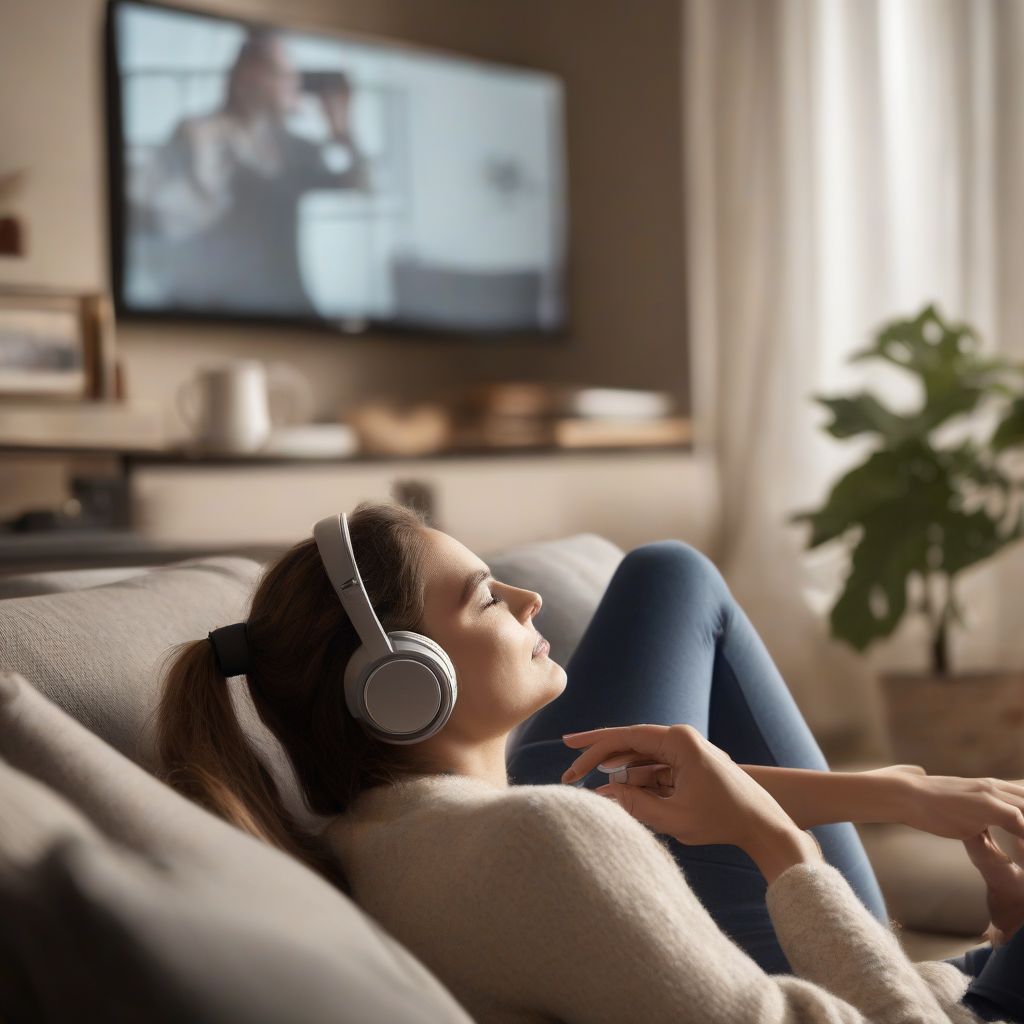 Wireless Headphones for TV Viewing
No products found.
Maintaining Your Wireless Headphones
Proper care can extend the life of your wireless headphones.
Charging and Storage
Follow the manufacturer’s guidelines for charging and storing your headphones. Avoid exposing them to extreme temperatures.
Cleaning
Regularly clean the earcups and headband with a soft cloth to prevent the buildup of dirt and grime.
Conclusion
Choosing the best wireless headphones for TV can significantly enhance your viewing experience, offering immersive sound and unparalleled freedom. By considering factors like sound quality, comfort, and battery life, you can find the perfect pair to suit your needs and budget. So, invest in a quality pair of wireless headphones and prepare to be fully immersed in your favorite entertainment. What are your experiences with wireless headphones for TV? Share your thoughts and recommendations in the comments below!
