
Remember those clunky old desktop setups that used to be synonymous with video editing? Times have changed! Now, the power to craft stunning visuals is readily available in sleek, portable laptops. Whether you’re a seasoned filmmaker, a budding YouTuber, or a social media enthusiast, finding the best laptop for video editing that balances power and portability is crucial. This article dives deep into the world of video editing laptops, helping you navigate the options and choose the perfect machine to bring your creative vision to life.
Understanding Your Video Editing Needs
Before jumping into specific laptop recommendations, let’s define what “power” and “portability” mean in the context of video editing. “Power” translates to a machine capable of handling demanding tasks like rendering, encoding, and multi-track editing smoothly. “Portability” ensures you can edit on the go, whether you’re on location, traveling, or simply prefer working from a coffee shop.
Key Specifications to Consider
Several key specifications determine a laptop’s suitability for video editing. These include:
- Processor (CPU): A powerful CPU, like Intel Core i7 or i9 or AMD Ryzen 7 or 9, is essential for smooth rendering and multitasking. Look for high clock speeds and multiple cores.
- Graphics Card (GPU): A dedicated GPU, such as NVIDIA GeForce RTX or AMD Radeon RX series, significantly accelerates rendering times and handles complex visual effects.
- RAM: A minimum of 16GB RAM is recommended, with 32GB or more ideal for professional-level editing.
- Storage: A fast SSD (Solid State Drive) with ample storage (at least 1TB) ensures quick access to files and smooth performance. Consider external storage for archiving projects.
- Display: A high-resolution display (1920×1080 or higher) with good color accuracy is crucial for precise editing and color grading.
Top Laptops for Video Editing – Power and Portability Combined
Based on the above criteria and extensive research, here are some of the top laptops currently available that effectively balance power and portability:
1. MacBook Pro (14-inch and 16-inch)
Apple’s MacBook Pro series, powered by the M1 Pro or M1 Max chips, delivers exceptional performance for video editing. These laptops offer incredible processing power, stunning displays, and long battery life, making them ideal for professionals.
2. Dell XPS 15 & 17
The Dell XPS line consistently ranks high for video editing. With powerful Intel processors, NVIDIA GeForce RTX graphics, and vibrant displays, these laptops are excellent choices for both amateur and professional editors.
3. Razer Blade 15
Known for its sleek design and gaming prowess, the Razer Blade 15 is also a formidable video editing machine. Its powerful components and fast refresh rate display provide a smooth and responsive editing experience.
4. ASUS ROG Zephyrus G14
The ASUS ROG Zephyrus G14 packs impressive power into a surprisingly compact chassis. With AMD Ryzen processors and NVIDIA GeForce RTX graphics, this laptop offers excellent performance for video editing on the go.
5. Lenovo Legion 5 Pro
The Lenovo Legion 5 Pro offers a fantastic balance of performance and affordability. Its potent AMD Ryzen processors, NVIDIA GeForce RTX graphics, and high refresh rate display make it a strong contender for video editing.
Optimizing Your Workflow for Portable Video Editing
Choosing the right laptop is only half the battle. Optimizing your workflow can significantly enhance your editing efficiency and productivity.
Software Choice
Select video editing software that suits your needs and budget. Popular choices include Adobe Premiere Pro, Final Cut Pro (Mac only), DaVinci Resolve, and Filmora.
External Storage
Invest in fast external SSDs to store your project files and media. This keeps your laptop’s internal storage free and improves overall performance.
Cloud Storage
Utilize cloud storage services for backing up projects and collaborating with others.
Keyboard Shortcuts
Learning keyboard shortcuts within your chosen editing software can drastically speed up your workflow.
Making the Right Choice
The best laptop for video editing ultimately depends on your individual needs, budget, and workflow. Consider the factors discussed above, research the latest models, and read reviews to make an informed decision.
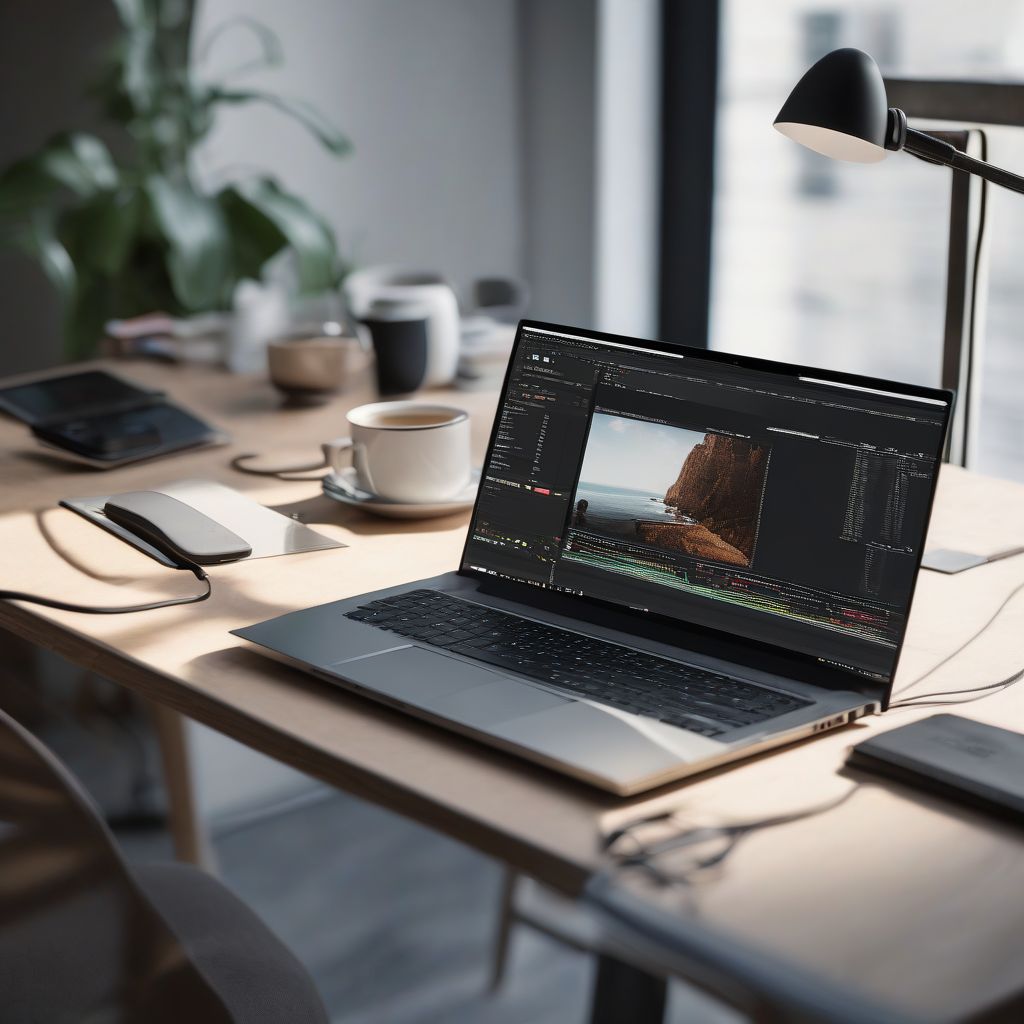
Best Laptops for Video Editing
- 【HIGH PERFORMANCE LAPTOP】This AOC laptop powered by N95 processor frequency up to 3.4GHz turbo frequency. (performance is much higher than Celeron N5095/Pentium N5030/N100/N95) Built-in 16GB DDR4 and 512GB SSD and an integrated core graphics GPU, laptop Pre installed with Windows 11 system, its fast and reliable performance, can easily handle documents, web browsing and more powerful multitasking and other tasks, work and play at the same time!
- 【16GB DDR4 & 512GB SSD EFFORTLESS MULTITASKING】This AOC laptop computer With 16GB of RAM and 512GB M.2 2280 SSD. AOC laptops that allows you effortless handle multiple tasks simultaneously without any lag. M.2 SSD providing massive storage while offering high-speed data transfer speeds of up to 2.14GB/s, Whit for faster multiple application loading and swift file transfers. that doesn't slow down even when handling large files or resource-intensive tasks. making your work or study more convenient!
- Efficient Processing Power: Powering this laptop is the AMD Ryzen 7 7730U Processor, boasting 8 cores, 16 threads, and a maximum boost clock of up to 4.5GHz. This hardware setup lets it tackle office multitasking with ease—whether you’re running complex data analysis tools, editing large documents, or hosting video conferences all at once—greatly ramping up work efficiency. When paired with AMD Radeon Graphics, it also delivers top-tier performance for office tasks like graphic design and PPT creation, while handling HD decoding effortlessly and supporting the newly added video editing feature (perfect for work presentations or personal vlogs
- Massive Storage Expansion: The MALLRACE laptop comes standard with 16GB of memory and features two DDR4 SO-DIMM slots, expandable up to 64GB. Supporting DDR4 3200MHz frequency, it can handle multiple office applications simultaneously or edit large files during video calls. For storage, the 512GB M.2 2280 NVMe PCIe 3.0 SSD is paired with dual M.2 2280 slots compatible with NVMe PCIe 3.0 SSDs or SATA SSDs. Each interface supports up to 2TB capacity, enabling a maximum total storage of 4TB. This effortlessly accommodates vast amounts of office documents, daily video recordings, and movie collections.
- 🛡️[Customers Come First] GEEKOM made its name with mini PCs—compact systems people rely on to run quietly and reliably day after day. The GeekBook X16 Pro brings that same focus on stability and long-term reliability to a thin-and-light laptop, delivering steady performance even under demanding daily use. Its refined design and precise craftsmanship reflect a commitment to detail in every component. You’re backed by a 1+1 year warranty (with an additional year free for purchases made between January 1 and June 30) and 24/7 US based support. GEEKOM PC Manager gives you simple, intuitive control over key functions. Technology designed with care and supported with confidence—meet the X16 Pro
- 🪶[Featherlight, All-Metal, All In] At just 2.8 lbs and 0.27 inches thick, the Titanium Gray GeekBook X16 Pro slips easily into your bag and won’t weigh you down—even when you’re on the move all day. Its chassis is made from aerospace grade magnesium alloy, and the precision-milled CNC unibody gives it a clean, solid feel. A careful multi-step coating adds a smooth, warm finish (not the cold, harsh feel of many metal notebook) and helps reduce smudges and fingerprints. Every line and curve is thoughtfully refined, so it looks clean and modern on your desk and feels just as good in your hand
- Beyond Performance: The Intel Core i7-13620H processor goes beyond performance to let your PC do even more at once. With a first-of-its-kind design, you get the performance you need to play, record and stream games with high FPS and effortlessly switch to heavy multitasking workloads like video, music and photo editing
- AI-Powered Graphics: The state-of-the-art GeForce RTX 4050 graphics (194 AI TOPS) provide stunning visuals and exceptional performance. DLSS 3.5 enhances ray tracing quality using AI, elevating your gaming experience with increased beauty, immersion, and realism.
- [High Speed RAM And Enormous Space] 40GB high-bandwidth RAM to smoothly run multiple applications and browser tabs all at once; 1TB PCIe NVMe M.2 Solid State Drive allows to fast bootup and data transfer
- [Processor] AMD Ryzen 7 7730U Processor (8 Cores, 16 Threads, 16MB Cache, Base at 2.0 GHz, Up to 4.5 GHz Max Turbo Frequency), with AMD Radeon Graphics
- SPEED OF LIGHTNESS — MacBook Air with the M4 chip lets you blaze through work and play. With Apple Intelligence,* up to 18 hours of battery life,* and an incredibly portable design, you can take on anything, anywhere.
- SUPERCHARGED BY M4 — The Apple M4 chip brings even more speed and fluidity to everything you do, like working between multiple apps, editing videos, or playing graphically demanding games.
- 【Processor】Intel Core i5 (10 Cores, 12 Threads, Max Boost Clock Up to 4.40Ghz, 12MB Cache). Intel Iris Xe Graphics. This 15.6-inch laptop is also equipped with Windows 11 Pro, which makes your work or study easy and convenient.
- 【Display】15.6" FHD, LED Backlit Anti-Glare. Narrow-bezel, 1920 x 1080 resolution.
- 【Performance Beast with AMD Ryzen 7 7730U】Experience a 35% performance boost over the previous generation, thanks to the AMD Ryzen 7 7730U processor (8 cores, 16 threads, up to 4.5 GHz). Built on ZEN 2 architecture, it delivers seamless multitasking for home entertainment, web browsing, photo/video editing (PS, PR, AI), and smooth light gaming (CS:GO, PUBG, DOTA 2, LOL).
- 【Upgradable Memory & High-Speed Storage】Equipped with 16GB DDR4 RAM (expandable to 64GB) and a 512GB NVMe SSD (supports up to 2TB), this laptop offers ample power and storage for gaming, content creation, and productivity. Enjoy faster load times and responsive performance for all your tasks.
- Exceptional Performance and Productivity: Experience smooth and responsive performance powered by a new, more powerful 8-Core Intel Core 3 processor N355, 8GB memory and fast 128GB UFS storage. Enjoy extended productivity thanks to exceptional battery life and the support of Copilot, your everyday AI companion.
- Copilot in Windows - your AI Assistant: Do more, quicker than ever across multiple applications with the centralized generative AI assistance of Copilot in Windows Accessible with a single touch of the Copilot Key
- Effortlessly chic. Always efficient. Finish your to-do list in no time with the Dell 15, built for everyday computing with Intel Core 3 processor.
- Designed for easy learning: Energy-efficient batteries and Express Charge support extend your focus and productivity.
Conclusion
Finding the perfect blend of power and portability in a video editing laptop is now more achievable than ever. By carefully considering your needs and researching the available options, you can empower yourself with a machine that brings your creative vision to life, wherever you are. Remember to prioritize key specifications like the processor, graphics card, RAM, and storage. Optimizing your workflow with the right software, external storage, and cloud solutions further enhances your efficiency. What are your experiences with video editing laptops? Share your thoughts and recommendations in the comments below! Let’s help each other find the perfect tools for our creative journeys.
